
Online | 30 Minutes
Display Screen Equipment (DSE) Course
(291 reviews)
Save 50% - Sale Ends Soon
Online | 30 Minutes
Display Screen Equipment (DSE) Course
(291 reviews)

£14.00
£28.00 Save 50%

Free Test Resits
DSE eChecklist
Meets Regualtions
Online & Interactive
Industry Recognised Certificate
Director
Team Leader/ Manager
Teacher
Administrator
100% Online Course Covering How Use Screens, Laptops & Workstations Safely To Prevent Aches, Pains & Eye Strain. This interactive course covers how to check your own desk layout for hazards & adjust your chair, monitor & keyboard to fit your body comfortably. Developed by workplace safety experts to meet UK DSE regulations, this course gives you clear to work comfortably in the office & from home.

Who Should Take This Display Equipment (DSE) Course Course?
This course is suitable for anyone using Display Screen Equipment.Receptionist
What's Covered In This Display Screen Equipment (DSE) Course?
This course covers the step-by-step procedures for using Display Screen Equipment (DSE) correctly to avoid postural issues to eye strain using real life case studies.This unit:
- Defines Display Screen Equipment, including desktop monitors, laptops, tablets, and smartphones used for daily work.
- Explains common physical issues caused by poor posture, such as neck strain, lower back pain, and repetitive strain injury (RSI).
- Highlights visual fatigue symptoms like dry eyes, blurred vision, headaches, and general screen fatigue.
This unit:
-
Covers employer and employee responsibilities under the UK Health and Safety (Display Screen Equipment) Regulations.
-
Teaches how to complete a self-assessment checklist to spot posture, lighting, and layout hazards.
-
Explains when a re-assessment is needed, such as moving desks, changing equipment, or developing discomfort.
This unit:
-
Explains how to set up an ergonomic desk layout, including chair height, back support, and monitor distance.
-
Guides safe keyboard and mouse positioning to keep wrists straight and reduce muscle tension.
-
Emphasises the importance of taking regular micro-breaks and postural changes to break up static sitting.
This unit:
-
Identifies the risks of built-in laptop keyboards and low screens when used for long periods.
-
Details the necessary accessories for safe mobile setups, including laptop stands, external keyboards, and mice.
-
Provides practical guidance for setting up temporary or hybrid workspaces at home or on the go.
This unit:
-
Outlines an employee’s legal right to request an employer-funded eyesight test for screen work.
-
Explains employer payment obligations if basic corrective glasses are required specifically for DSE tasks.
-
Shares simple preventive daily habits, such as the 20-20-20 rule, to reduce eye fatigue throughout the day.
Industry Recognised Certificate + Free Resits
Take the multiple-choice course test anytime on any device. Certificates are available instantly, valid for 3 years & free resits are included.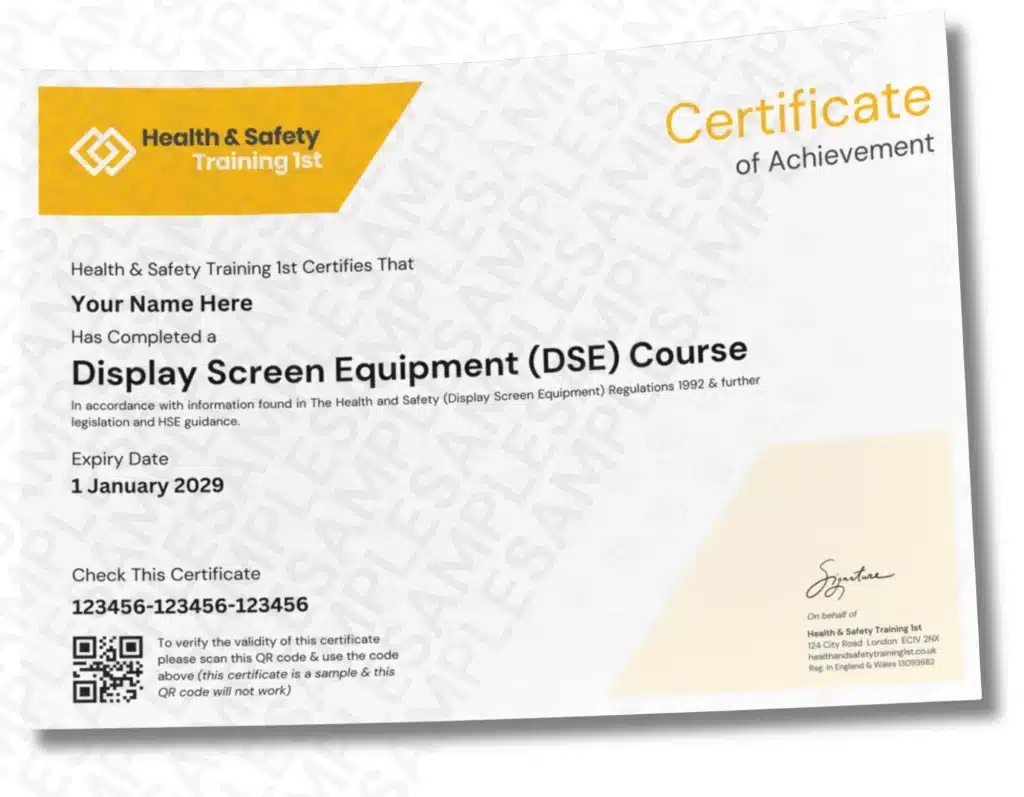
Try Our Safety Harness Practice Test
Want to see how much you already know about Display Screen Equipment? Try our practice test which includes course questions & get instant feedback.Comply With Regulations
This course complies with the Health and Safety (Display Screen Equipment) Regulations 1992, protecting anyone using screens for an hour or more a day. It covers everything you need to know about DSE safety To help you prevent common workplace issues like eye strain and back pain.Display Screen Equipment (DSE) FAQs
You will receive a certificate on completion of this course which is QR verifiable.
An employee is classed as a DSE user if they habitually use screens—including desktop computers, laptops, tablets, or smartphones—for continuous spells of an hour or more at a time on a daily basis.
Yes. UK Health and Safety Executive (HSE) rules apply whether your staff work in an office, hot-desk, or work from home. This online course includes specific guidance on setting up home workstations, using laptop stands, and managing ergonomic risks in hybrid environments.
DSE training should be provided at induction and refreshed whenever there is a substantial change to the workstation, equipment, desk location, or job role. It must also be reassessed if an employee reports aches, pains, or visual discomfort. As an HSE best practice, many organisations repeat training annually or every two years.
The course covers five essential areas: identifying DSE health risks (such as RSI and eye fatigue), carrying out a workstation risk assessment checklist, setting up an ergonomic desk and chair, safely using portable devices like laptops, and understanding employee eye test entitlements.
100% Online Course Covering How Use Screens, Laptops & Workstations Safely To Prevent Aches, Pains & Eye Strain. This interactive course covers how to check your own desk layout for hazards & adjust your chair, monitor & keyboard to fit your body comfortably. Developed by workplace safety experts to meet UK DSE regulations, this course gives you clear to work comfortably in the office & from home.
Learn At Your Own Pace
DSE eChecklist
Step by Step Guidance
Meets Regulations
Who Should Take This Display Screen Equipment Course?
This course is suitable for anyone using Display Screen Equipment.What’s Covered In This Display Screen Equipment Course?
This course covers the step-by-step procedures for using Display Screen Equipment (DSE) correctly to avoid postural issues to eye strain using real life case studies.This unit:
- Defines Display Screen Equipment, including desktop monitors, laptops, tablets, and smartphones used for daily work.
- Explains common physical issues caused by poor posture, such as neck strain, lower back pain, and repetitive strain injury (RSI).
- Highlights visual fatigue symptoms like dry eyes, blurred vision, headaches, and general screen fatigue.
This unit:
-
Covers employer and employee responsibilities under the UK Health and Safety (Display Screen Equipment) Regulations.
-
Teaches how to complete a self-assessment checklist to spot posture, lighting, and layout hazards.
-
Explains when a re-assessment is needed, such as moving desks, changing equipment, or developing discomfort.
This unit:
-
Explains how to set up an ergonomic desk layout, including chair height, back support, and monitor distance.
-
Guides safe keyboard and mouse positioning to keep wrists straight and reduce muscle tension.
-
Emphasises the importance of taking regular micro-breaks and postural changes to break up static sitting.
This unit:
-
Identifies the risks of built-in laptop keyboards and low screens when used for long periods.
-
Details the necessary accessories for safe mobile setups, including laptop stands, external keyboards, and mice.
-
Provides practical guidance for setting up temporary or hybrid workspaces at home or on the go.
This unit:
-
Outlines an employee’s legal right to request an employer-funded eyesight test for screen work.
-
Explains employer payment obligations if basic corrective glasses are required specifically for DSE tasks.
-
Shares simple preventive daily habits, such as the 20-20-20 rule, to reduce eye fatigue throughout the day.
Industry Recognised Certificate + Free Resits
Take the multiple-choice course test anytime on any device. Certificates are available instantly, valid for 3 years & free resits are included.Try Our Display Screen Equipment Test
Want to see how much you already know about Display Screen Equipment? Try our practice test which includes course questions & get instant feedback.Comply With Regulations
This course complies with the Health and Safety (Display Screen Equipment) Regulations 1992, protecting anyone using screens for an hour or more a day. It covers everything you need to know about DSE safety To help you prevent common workplace issues like eye strain and back pain.Display Screen Equipment (DSE) FAQs
You will receive a certificate on completion of this course which is QR verifiable.
An employee is classed as a DSE user if they habitually use screens—including desktop computers, laptops, tablets, or smartphones—for continuous spells of an hour or more at a time on a daily basis.
Yes. UK Health and Safety Executive (HSE) rules apply whether your staff work in an office, hot-desk, or work from home. This online course includes specific guidance on setting up home workstations, using laptop stands, and managing ergonomic risks in hybrid environments.
DSE training should be provided at induction and refreshed whenever there is a substantial change to the workstation, equipment, desk location, or job role. It must also be reassessed if an employee reports aches, pains, or visual discomfort. As an HSE best practice, many organisations repeat training annually or every two years.
The course covers five essential areas: identifying DSE health risks (such as RSI and eye fatigue), carrying out a workstation risk assessment checklist, setting up an ergonomic desk and chair, safely using portable devices like laptops, and understanding employee eye test entitlements.
£14.00
£28.00 Save 50%
Free Test Resits
Meets Regulations
Online & Interactive
Industry Recognised Certificate
Complete At Your Own Pace
- CSCS Green Card Courses
- Free Practice CSCS Green Card Test
- Traffic Marshal
- Fire Marshal
- Fire Doors
- Asbestos
- SSSTS
- All Courses
- ← Back
- CSCS Green Card Courses
- Asbestos
- SSSTS
- SMSTS
- Traffic Marshal
- PAT Testing
- Fire Safety Courses
- Slinger Signaller
- Fire Doors
- Fire Stopping
- First Aid
- Mental Health
- COSHH
- Confined Spaces
- CDM Regulations
- Manual Handling
- Working At Height
- Construction Supervisor
- CAT & Genny
- Face Fit Testing
- Legionella
- Abrasive Wheels
- Safety Harnesses
- Excavation
- Demolition
- Scaffolding
- Respiratory Protection (RPE)
- Hot Work
- Silica Dust
- SEATS
- H2S Awareness
- Workplace Courses
- Contact Us
- Certificate Checker
- Log In